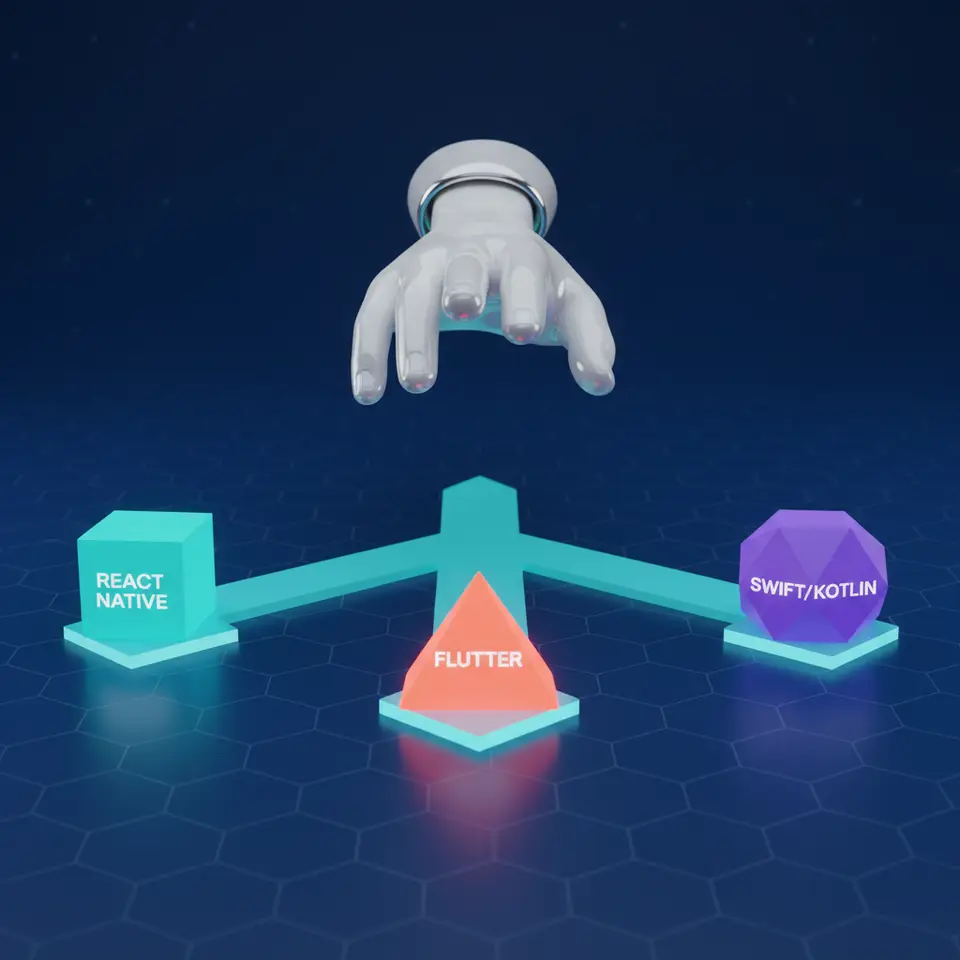
The short answer: if your app mostly shows data, takes orders or bookings and collects input, build it once with a cross-platform framework (Flutter or React Native) and ship to Android and iOS together. Choose native Swift and Kotlin only when the app depends on heavy device features, top-end performance or day-one access to new OS features. And if your users mainly sit at a desk or you are still testing the idea, start with a responsive web app and add a store app later.
That rule covers most business apps. The rest of this guide explains the options, gives you a checklist to use with any development team, and answers the questions business owners ask us most often.
The options at a glance
| Option | Performance | Time to market | Hiring in India | Best for |
|---|---|---|---|---|
| Native (Swift for iOS, Kotlin for Android) | Highest; direct access to the device | Slowest; two codebases | Good, but you need two skill sets | Hardware-heavy apps, flagship consumer products, apps that must adopt new OS features early |
| Flutter | Close to native for most business apps | Fast; one codebase | Growing pool of Dart developers | Branded, design-led apps that must look the same on both platforms |
| React Native | Close to native for most business apps | Fast; one codebase | Large pool, since it uses JavaScript and React | Teams that already have a React web app or React developers |
| Kotlin Multiplatform (KMP) | Native screens, shared business logic | Medium; shared logic, separate screens | Smaller pool; needs native skills on both sides | Larger products that want native screens but one copy of the business rules |
| Responsive web app or PWA | Good for forms, dashboards and catalogues; limited device access | Fastest; one codebase, no store review | Largest pool | Internal tools, B2B portals, first versions of a new idea |
First question: do you need a store app at all?
We ask this before any framework discussion, and the honest answer is often “not yet”. A responsive web app runs in the phone’s browser, needs no app store approval, and every update reaches every user immediately. For many businesses that is enough:
- Internal tools such as stock entry, order booking, costing or approvals, used by your own staff.
- B2B portals where dealers, distributors or retailers place orders and check ledgers.
- A first version of a new product, where you want to learn what users actually do before paying for two store apps.
A store app earns its cost when you need push notifications people rely on, offline use in the field, the camera or a barcode scanner used all day, location tracking, or a listing in the Play Store and App Store because your customers search there. If none of these apply, start on the web. Our web application development work covers exactly this kind of first version.
Native development (Swift and Kotlin)
Native means writing a separate app for each platform: Swift for iOS and Kotlin for Android, using the tools Apple and Google provide. Each app talks to the device directly, so it is the fastest option and feels most at home on each phone.
Choose native when:
- the app depends on the camera, Bluetooth hardware, sensors, background processing or on-device machine learning;
- smooth animation and instant response are part of what you sell;
- you need new Android or iOS features as soon as they ship;
- you have the budget to build and maintain two apps.
The cost is real: two codebases means two sets of screens to build, test and update. For most business apps that is money spent on something users will not notice. Our Android app development and iOS app development pages explain how we approach native builds.
Cross-platform: Flutter and React Native
Cross-platform frameworks let one team write one codebase that runs on both Android and iOS. For an app that lists products, takes orders, shows reports or books appointments, users rarely notice a performance difference from native. Building once is usually cheaper and faster than building two native apps, and every later change is made once instead of twice.
Flutter
Flutter is backed by Google and uses the Dart language. It draws its own interface, so the app looks identical on every device. That makes it a strong fit when the design is a core part of the product. Its weak points are slightly larger app sizes and a smaller library ecosystem than JavaScript.
React Native
React Native is backed by Meta and uses JavaScript and React. Its biggest advantage is people: React developers are easy to find, and a business that already has a React website can share skills and some code between web and mobile. It uses each platform’s own interface components, so some screens need platform-specific polish.
Between the two, the deciding factor is usually the team that will maintain the app for years, not benchmark results. Pick the one your developers, or your development partner, know well.
Kotlin Multiplatform (KMP)
KMP is not a full app framework like Flutter. It shares the business logic (calculations, data handling, network calls) between Android and iOS, while each platform keeps its own native screens. It suits larger products that want a native look and feel but do not want to write and test the same rules twice. It needs developers comfortable with both native platforms, so it is rarely the right first choice for a small business.
A decision checklist for business owners
Use these questions with any development team, including ours. Clear answers usually make the choice obvious.
- Who uses it, and where? Staff at a desk, staff in the field, or customers on their own phones?
- Does it need the device? Camera, scanner, GPS, Bluetooth, offline mode, reliable push notifications?
- Do you need to be in the app stores? Will customers search for you there, or will you send them a link?
- What is the deadline and budget for version one? A tight budget points to a web app or one cross-platform codebase.
- Who maintains it after launch? If you plan an in-house team, choose a technology you can hire for locally.
- Does it connect to existing systems? Tally, an ERP, a payment gateway or an existing website shape the backend more than the app framework does.
- Who owns the code? Make sure the contract gives you the source code and the right to move to another team.
Budget questions usually come next. Our eCommerce app development cost guide explains what drives the price of an app and which costs continue after launch.
How we choose for our clients
We start from the business problem, not the framework. Our day-to-day stack is React.js on the front end, Laravel or Node.js on the back end, MySQL, and AWS for hosting, with Kotlin and Swift for native mobile work. Our technical founder, Abhijeet Alase, worked as an iOS developer before co-founding KleverOwl in 2017, so native trade-offs are part of every scoping conversation.
For many of our clients the right first build was a web application, not a store app. A garment business in Bengaluru, for example, got business management software with single and bulk cost calculators, live market pricing and analytics, built with React.js, Laravel and MySQL. Costing work that used to take two days now takes about ten minutes.
Whatever we recommend, three things stay the same:
- you own 100% of the code and IP from Day 1;
- you talk directly to the founders;
- you can start with a 14-Day Risk-Free Sprint before committing to the full build.
Good screens matter as much as the framework. If the app’s flows are not yet clear, a short UI/UX design phase before development saves rework later.
Talk it through before you commit
If you are deciding between a web app, a cross-platform app and native apps, a 30-minute conversation about your actual feature list usually settles it. Book a free discovery call with KleverOwl and we will tell you which option we would choose for your project, and why.