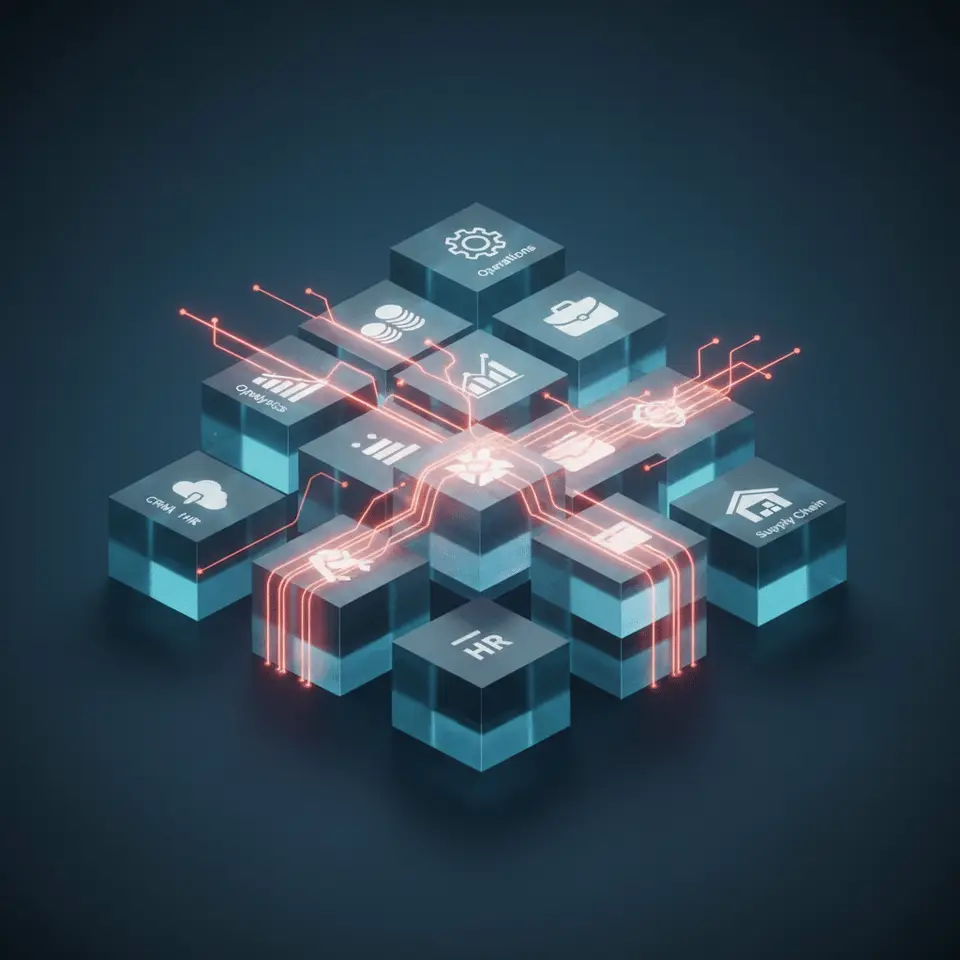
Short answer: inside an ERP, AI does three useful things. It predicts (how much stock you will need, which orders will run late), it reads and sorts paperwork (supplier bills, purchase orders, delivery challans) so nobody types them in again, and it lets people ask the system questions in plain language instead of digging through reports. It does not replace the ERP. The ERP stays the record of what happened; AI sits on top of that data and helps you act on it sooner.
Most writing on this topic is aimed at large enterprises with SAP and a data science team. This guide is for owners of manufacturing, textile and retail businesses with 10 to 200 people, the kind of company that runs on Tally, a few Excel sheets and WhatsApp, and wants to know which parts of AI are worth paying for and which are not.
What an ERP does, and where AI fits
An ERP keeps your core business data in one place: purchase, stock, production, sales, billing and accounts. For a small manufacturer it answers one question reliably: what do we have, what do we owe, and what is due to whom.
A traditional ERP tells you what already happened. Last month’s sales, today’s stock, the orders that went out yesterday. AI adds a forward-looking layer on the same data:
- Prediction: expected demand per item, raw material you will run short of, orders likely to miss their delivery date.
- Document reading: pulling item, quantity, rate and GST details out of PDF or photographed bills and matching them to purchase orders.
- Plain-language questions: “Which customers have not paid for more than 60 days?” typed or spoken, instead of building a report.
- Exception flags: a rate that is unusually high, a stock count that does not match consumption, a duplicate bill.
None of this works without clean, regular data in the ERP. That is the part most AI projects skip, and the reason many of them disappoint.
Where AI helps a small manufacturer, textile unit or retailer
Stock and raw material planning
The most common problem we hear from owners is not “we need AI”. It is “we found out we were out of yarn (or board, or packing material) when production stopped.” A forecasting model that looks at past consumption, open orders and supplier lead times can warn you before that happens. Even before any AI, automated low-stock alerts on accurate stock data solve a large part of this problem. Our guide to inventory management software for manufacturers covers the basics that need to be in place first.
Costing and quotations
In textile and garment businesses, the cost of an order depends on yarn or cotton prices that move every week, plus processing, wastage and labour. Many owners still calculate this by hand in Excel, so quotes are slow and margins are guessed. Software can hold the formulas and current prices so a quote takes minutes. AI can then help by flagging orders whose quoted margin is lower than similar past orders, or by estimating cost when some inputs are missing. We explain what a costing system should calculate in textile costing software.
Purchase bills and accounts
Typing supplier bills into Tally is slow and error-prone. Document-reading AI can extract the bill details, match them to the purchase order and goods receipt, and send only the mismatches to a person. Your accountant still approves the entries. Most businesses keep Tally for accounts and GST filing; the new system feeds it clean data rather than replacing it.
Production tracking and delivery dates
If each stage of production is recorded (even with a simple mobile app on the shop floor), a model can learn how long each order type actually takes and warn you which orders will miss their promised date while there is still time to act.
Sales follow-up and collections
AI can rank which customers are likely to reorder, which quotes are going cold, and which payments are at risk of going overdue, so the sales and accounts team call the right people first.
What we have seen building this
Two projects show the pattern: fix the data and the daily workflow first, then add intelligence on top.
- A garment business in Bengaluru was calculating costs by hand while yarn and cotton prices kept changing. We built business management software with single and bulk cost calculators, live market pricing and analytics. Costing that used to take 2 days now takes about 10 minutes.
- A paperware manufacturer in Maharashtra had no clear view of its supply chain and tracked inventory manually. We built a custom inventory dashboard with real-time reporting and automated stock alerts. It cut monthly inventory audit discrepancies to zero and eliminated production downtime caused by raw material stockouts.
Neither project started with a machine learning model. Both started with getting reliable numbers into one system, which is what makes any later AI feature trustworthy. You can see how we approach this on our software for manufacturers page.
What to watch out for
Bad data in, bad predictions out
If stock entries are made at the end of the week from memory, a forecast built on them will be wrong. Before paying for AI, make sure purchases, issues to production and dispatches are recorded when they happen.
Bolting AI onto a system nobody uses
If your team works around the ERP in Excel, AI on top of the ERP sees only half the picture. Fix adoption first, usually by making data entry faster (barcode scanning, mobile entry, fewer fields).
Buying features you will not use
Large ERP vendors sell AI modules built for enterprises. A small unit usually needs two or three specific things: low-stock alerts, faster costing, bill reading. Paying only for those is cheaper and easier to adopt.
How to start without a big project
- Pick one problem with a cost you can name. Production stopping for material, slow quotes, bills piling up. One problem, not a transformation.
- Check the data behind it. Is it recorded, recorded on time, and in one place? If not, that is step one.
- Automate the workflow before adding prediction. Alerts, calculators and integrations often deliver most of the benefit on their own. Our business process automation work usually starts here.
- Add AI where the data is now reliable. Forecasting, document reading or natural-language reports, scoped to the problem you picked. This is what our AI solutions and automation service covers.
- Measure against the original problem. Hours saved on costing, stockouts per month, days to close the books.
Talk it through with us
If you run a manufacturing, textile or retail business and want to know where AI would actually help, book a free discovery call with Abhi, our technical founder. We will look at how you work today and tell you honestly whether you need AI, simpler automation, or neither yet.